Recording and editing
How to choose podcast tools for your first show
The four jobs of a podcast workflow, the free tools that cover them, and the questions to ask before paying for software.
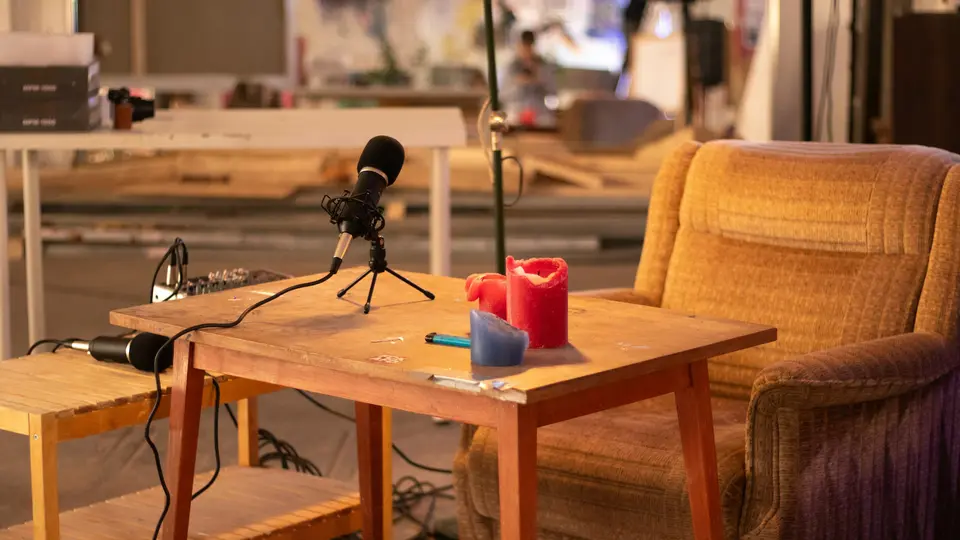
A first podcast needs fewer tools than most shopping lists suggest. It helps to think in jobs rather than products: you need a way to record, a way to edit and clean the audio, a host that stores your files and publishes your RSS feed, and the directories where listeners find you. Some products cover several jobs, which is convenient but also a common source of paying twice for the same thing.
The four jobs of a podcast workflow
- Record: capture each voice as cleanly as possible. For remote interviews, separate tracks per speaker make editing far easier.
- Edit and clean: remove mistakes, balance levels and bring the episode to a consistent loudness before export.
- Host and publish: store the audio files and generate the RSS feed that Apple Podcasts, Spotify and other apps read.
- Distribute and promote: submit the feed to directories once, then share episodes, clips and show notes.
- 01RecordCapture each voice cleanly; separate tracks for remote guests.
- 02Edit and cleanCut mistakes, balance voices, bring the episode to a steady loudness.
- 03Host and publishYour host stores the files and generates the RSS feed.
- 04DistributeSubmit the feed once; listening apps read it from then on.
Free tools that cover recording and editing
Audacity describes itself as free for everyone and open source, and it runs on Windows, macOS and Linux. For a solo show recorded on one microphone, it covers recording, cutting and exporting.[1]
On a Mac, GarageBand is listed as free on the Mac App Store. The listing we checked required macOS 15.6 or later, so older Macs may not be able to install the current version.[2]
REAPER is not free, but its evaluation is unusually generous: the vendor offers 60 days of evaluation with full functionality. After that, a $60 discounted license covers personal use or businesses with yearly gross revenue up to $20,000, and a commercial license costs $225.[3]
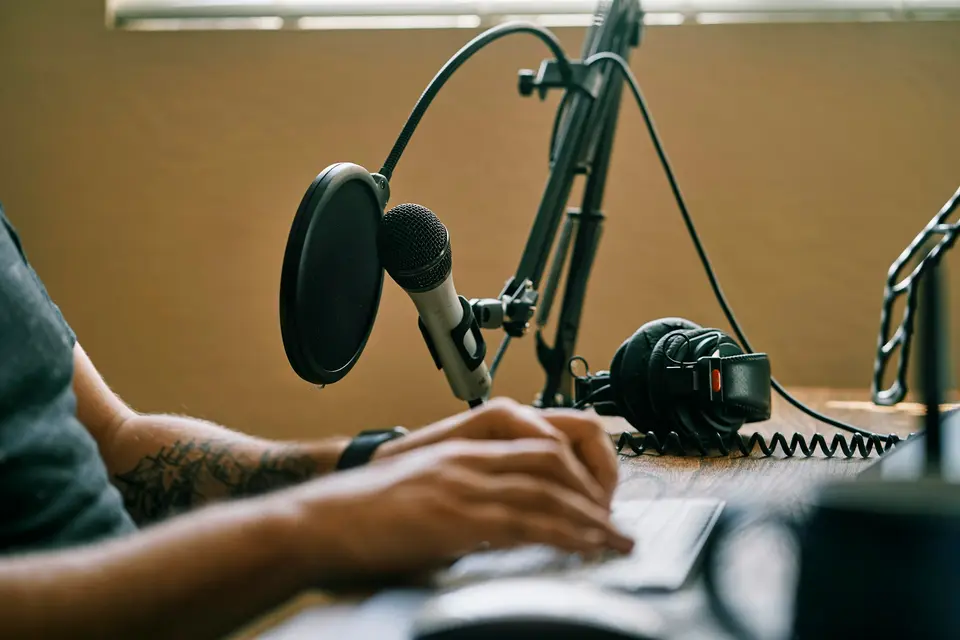
When paid editing software is worth considering
Text-based editors let you cut audio by editing a transcript. Descript's pricing page lists a Free plan and a Hobbyist plan at $16 per person per month on annual billing or $24 on monthly billing, with 10 media hours per month. Media hours count uploaded and recorded files, whether or not you transcribe them, so a long weekly show can use its allowance quickly.[4]
Loudness and leveling can also be automated. Auphonic states that it is free for 2 hours of processed audio per month, and that free productions come with a jingle. That is enough to process a short weekly episode and judge whether the result justifies a paid plan.[5]
Hosting is the one subscription you cannot skip
A podcast needs a public RSS feed and somewhere to store the files it points to. Some hosts limit upload hours, others limit monthly downloads, and some advertise unlimited downloads. For example, Transistor's Starter plan lists 20,000 monthly audio downloads, Buzzsprout's Audio plan lists up to 72 upload hours per year when billed annually, and Castos lists unlimited podcasts, downloads and episodes on its plans. Our hosting guide explains how these models behave as a show grows.[6][7][8]
Questions to ask before paying for any tool
- Which of the four jobs does this tool do, and is another tool you already pay for doing the same job?
- What exactly is limited: hours uploaded, hours processed, downloads, storage, team members or number of shows?
- What happens when you exceed the limit: a bill for overage, a request to upgrade, or a hard stop?
- Is the price shown monthly or as a monthly equivalent of an annual payment?
- Can you leave easily? For hosting, check that the vendor documents how to redirect your feed to a new host.
Sources
Official pages read for this guide. Prices change: always confirm on the vendor page before paying.